Update on Windows
Stop Network MACMonitor.
Go to Start->Programs->Network MACMonitor and run Network MACMonitor Properties.

Click Stop. Close Network MACMonitor Properties.
Back up the database.
Run the following command at the command promt:
"C:\Program Files\MariaDB 10.2\bin\mysqldump.exe" -u root -p --hex-blob --databases macmonitor > backup_mariadb_macmonitor.sql
Download and run the installer of the new version of Network MACMonitor and follow the installation steps.
Start Network MACMonitor.
Go to Start->Programs->Network MACMonitor and run Network MACMonitor Properties.
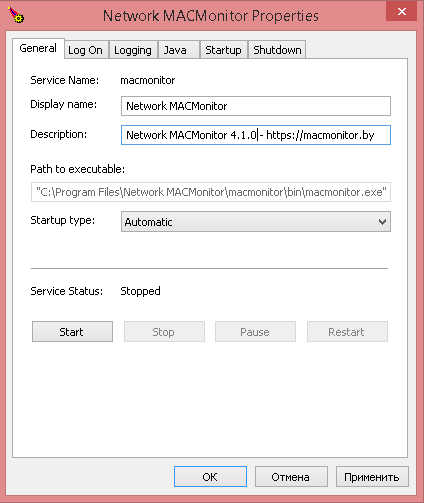
Click Start.